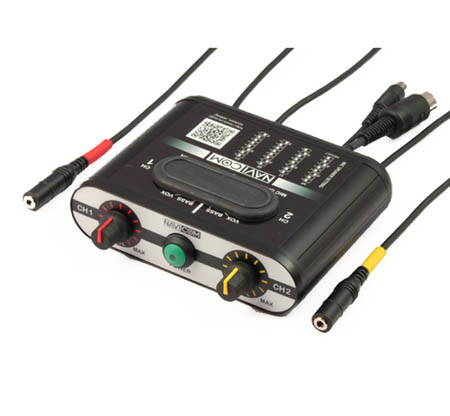
NAVICOM SETTING
 |
 |
 |
 |
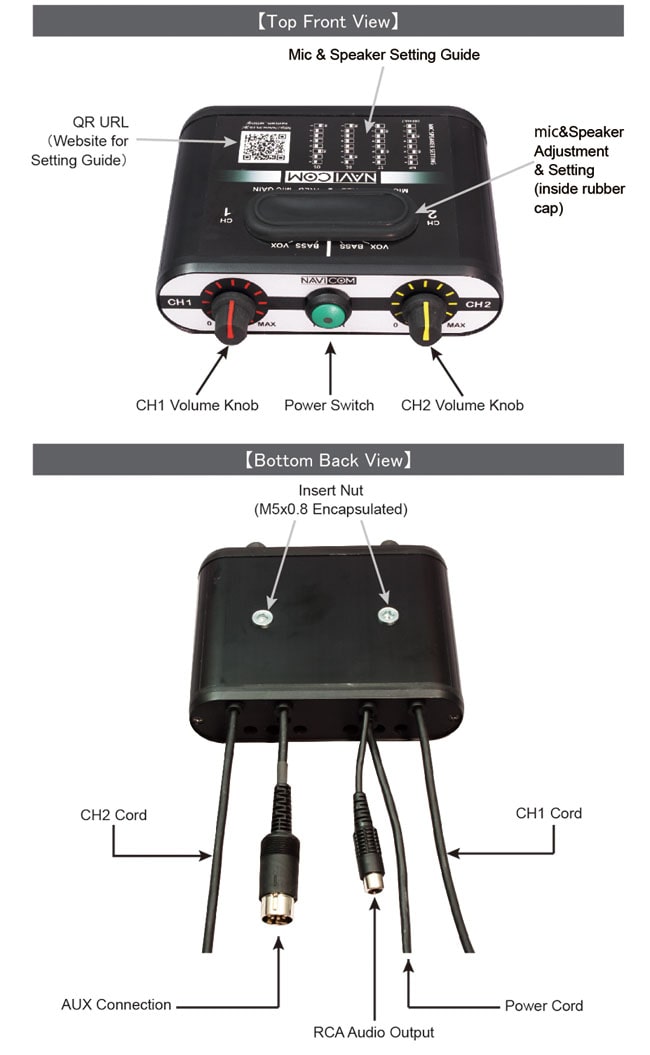
MIC & SPEAKER SETTING
CAUTION :
- To reduce the risk of speaker and ear damage, please power off during setting.
- After finish setting, ensure dust panel is correctly refitted for dust and water protection.
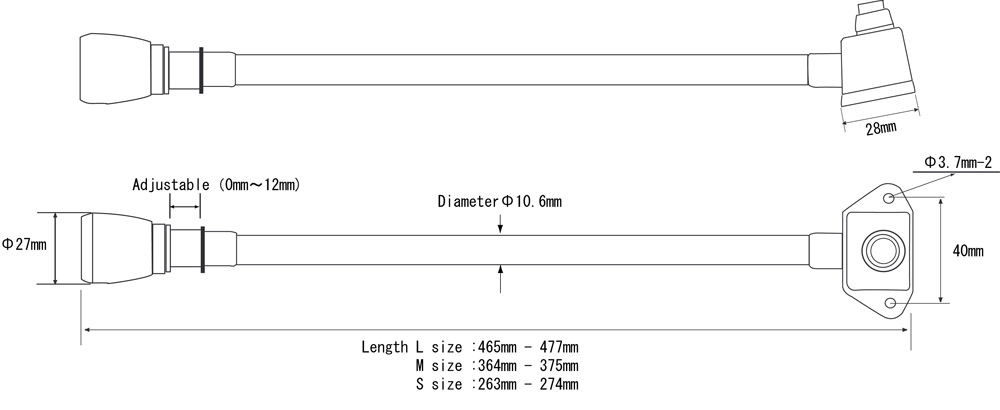
- To suppress the in-car noise, the mic boom should be placed to mouth closely.
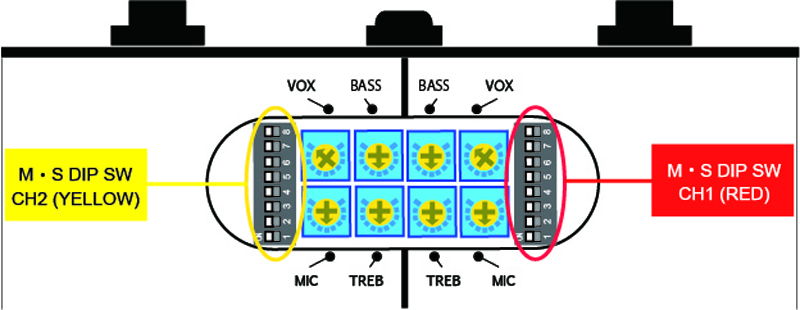
DIP SWITCH SETTING TABLE (Viewing of unit from above with dust cover removed, ON means latching to left side.)
- 4 selections of Mic impedance & 4 selections of speaker impedance available.Please select one only increment at a time for each setting. There is not much difference in speaker 32ohm(less loud) and 8ohm (slightly louder), and you can select according to your preference.
- If your system is not on the list, please set referring the left impedance value of the table below.
SET Name
- NP : NAVICOM, PELTOR
- ST : STILO WRC DES, TERRATRIP PRO+
- BE : BELL(FIA8858-2010 model)
- OS : OMP, SPARCO, ORECA (TURN ONE) JET-RS(PELTOR)
- B2 : BELL(FIA8859-2015 model)
June 2018
|
SET NAME |
NP |
ST |
BE |
OS |
B2 |
|
SW8:MC=ECM(※1) |
|||||
|
SW7:MC=600 Ω |
ON | ON | |||
|
SW6:MC=230 Ω |
ON | ON | ON | ||
|
SW5:MC=LOW |
|||||
|
SW4:SP=300 Ω |
|||||
|
SW3:SP=230 Ω |
ON | ON | |||
|
SW2:SP=32 Ω |
ON | ||||
|
SW1:SP=8 Ω |
ON | ON |
(※1)ECM=Electret Condenser Microphone