NAVICOM SETTING
 |
 |
 |
 |
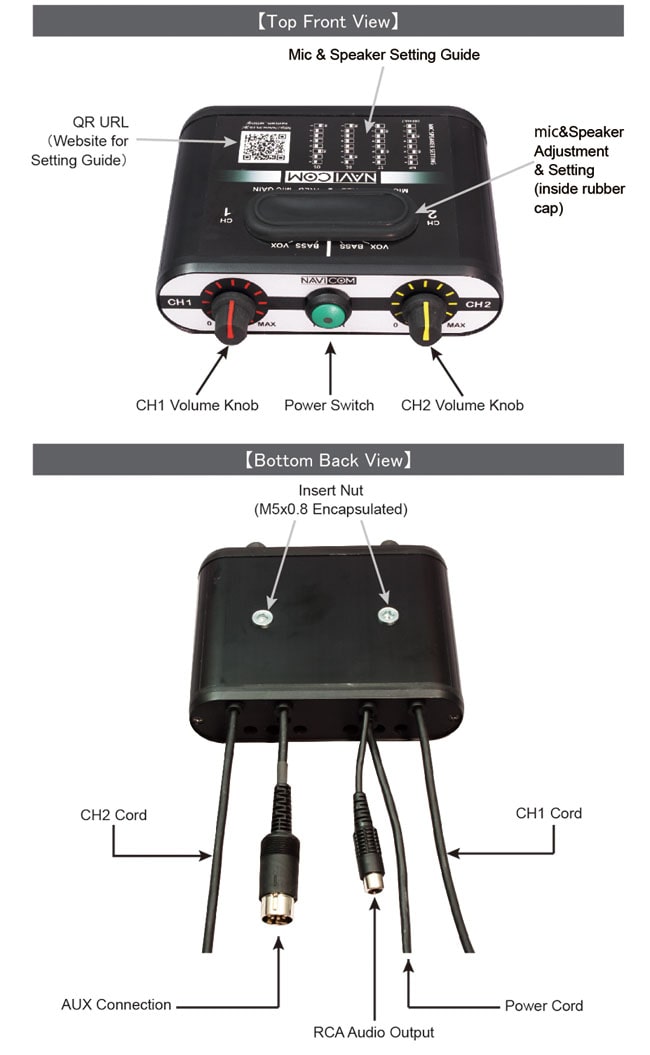
NAVICOM SOUND ADJUSTMENT
CAUTION :
- After finish setting, ensure dust panel is correctly refitted for dust and water protection.
- To suppress the in-car noise, mic boom should be placed to mouth closely.
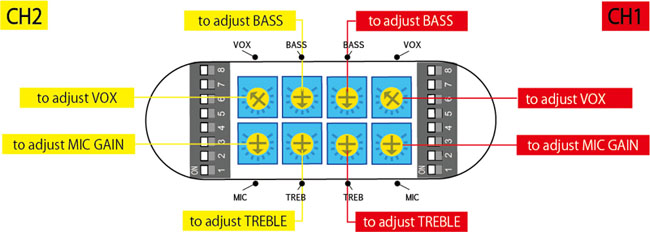
-
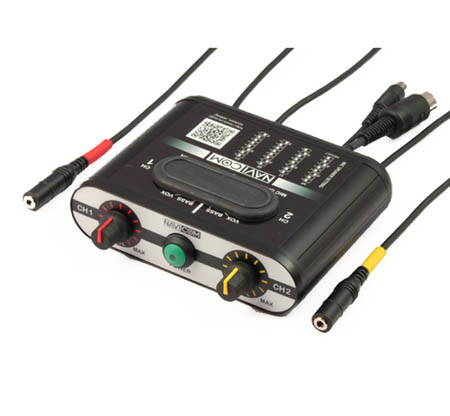
TREB : clockwise to increase, anticlockwise decrease. (Initial Pos. Center)
-
BASS : clockwise to increase, anticlockwise decrease (Initial Pos. Center)
-
MIC GAIN : clockwise to increases microphone sensitivity and makes you hear your voice louder. (Initial Pos. Center)
For better mic performance, minimum mic gain and volume adjustment is desirable but if the volume is not sufficient, nor white noise appear, it should be increased. -
VOX : clockwise to decrease Threshold level. (Initial Pos. MAX=always ON)
Sound is amplified when sound over a certain threshold is detected.
SETTING TIPS
- Reduce white noise————low TREBLE & high MIC GAIN & low VOLUME.
- High Fidelity sound————high TREBLE & high BASS & low MIC GAIN & high VOLUME.